Project 04
Braillix
The teacher’s blackboard.
Fifty-one hours, built around a single fear: that a blind student is being taught something wrong and nobody in the room can tell.
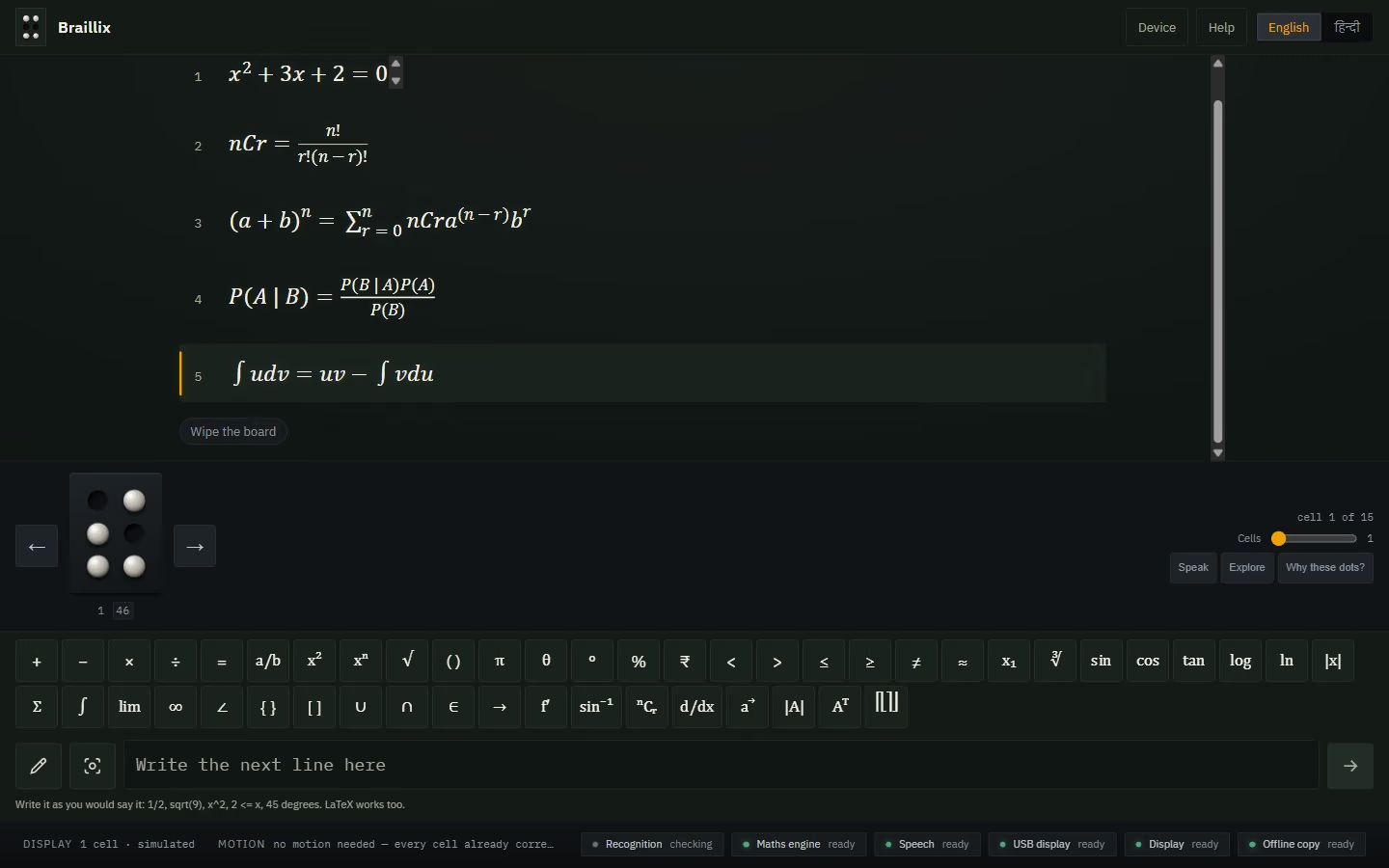
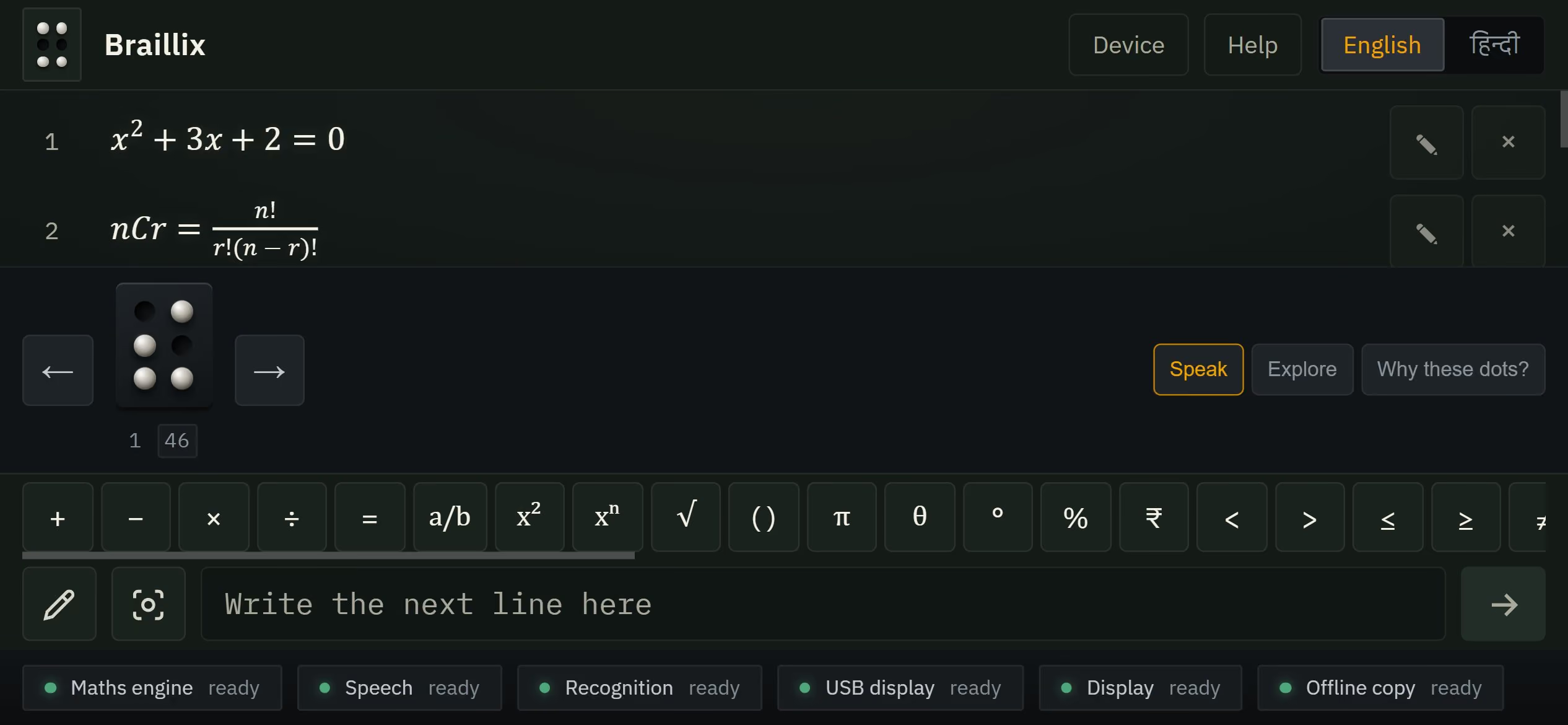
A blind student learning maths has a problem nobody in the room can see. Mathematical braille is not the alphabet in dots — it is a whole grammar, where one cell means "a number starts here" in one position and "the fraction closes here" in another. If the translation is wrong, the teacher cannot tell, because they do not read braille. And the student cannot tell, because they have nothing to compare it to. The error just sits there being learned.
That is the failure I built everything around: not "be accurate", but "never be confidently wrong". So Braillix checks its own work by reading it backwards. A completely separate engine — sharing no code with the one that produced the dots — reconstructs what the dots say and compares it to what the teacher wrote. And when that reader hits a cell it has no rule for, it does not guess. It returns a third answer: unchecked. This comparison proves nothing. Most systems would have quietly called that a pass.
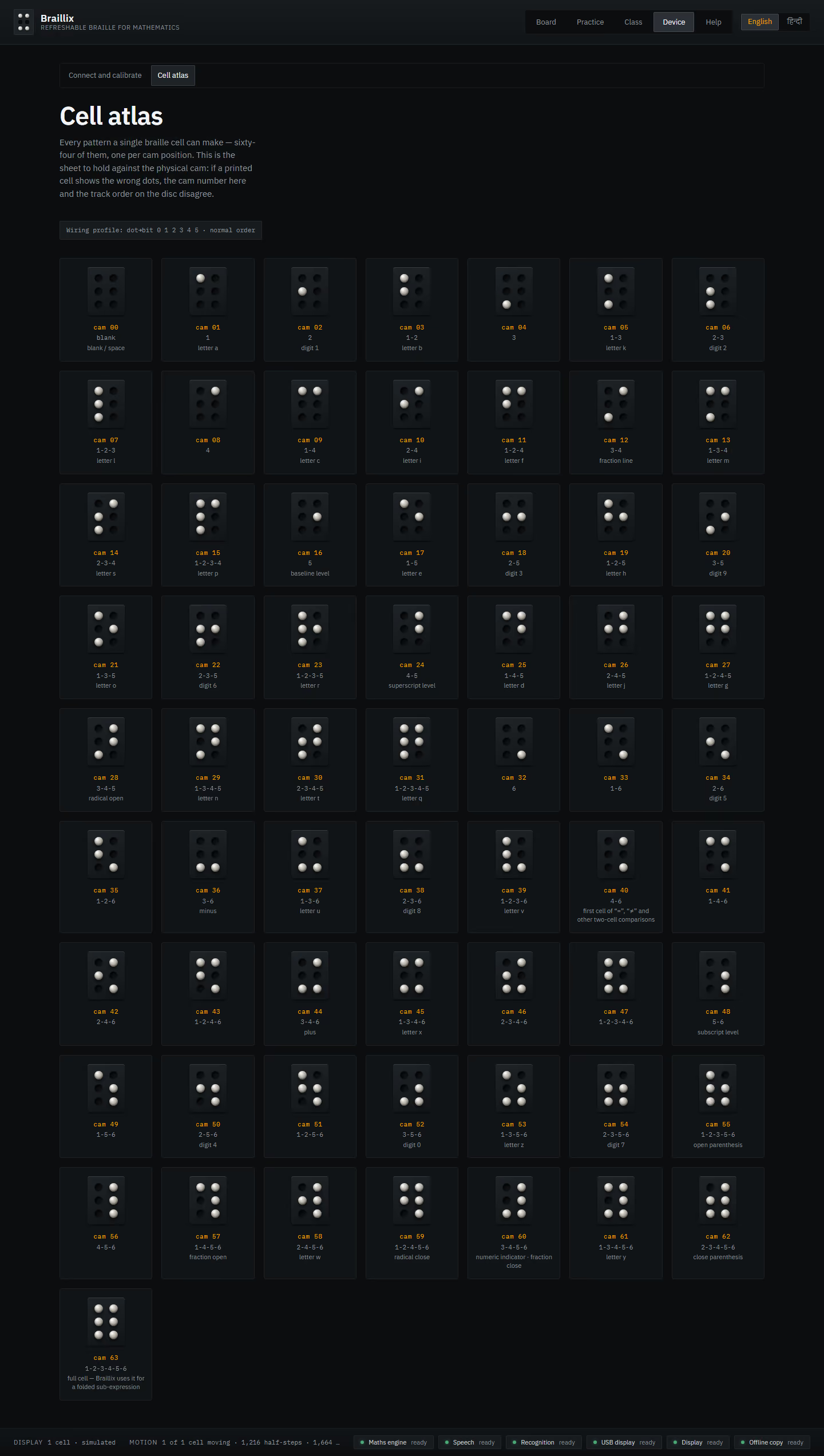
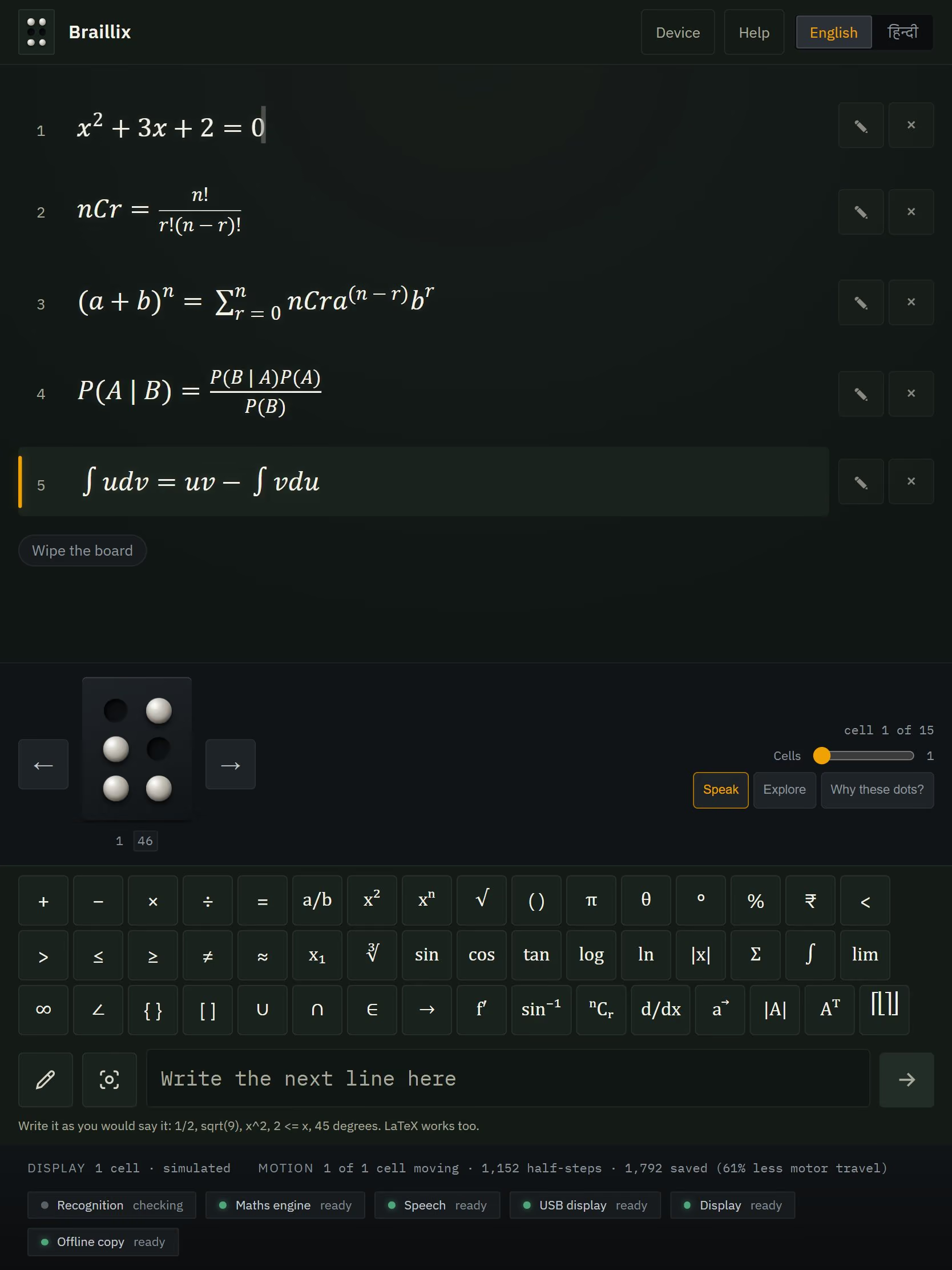
Then the constraints stacked up. The hardware team did not know yet how many braille cells their device would have, so I made it structurally impossible for any part of the software to assume a number — the build greps its own source and fails if a file hard-codes one. Student work cannot leave the room, so the whole thing runs offline in a browser, including a 76 MB vision model. And a teacher's line can mix three braille codes at once. I built it in a single fifty-one-hour run, including throwing the first version away halfway through.
Why it was hard
Nemeth is not a character substitution — it is a grammar, where the same cell means "numeric indicator" in one position and "fraction close" in another. A wrong dot is invisible to the sighted teacher and to the blind student both, so there is no human in the loop who can catch it. On top of that the hardware width is genuinely unknown, so no layer of the software is permitted to know how many cells exist; and a single line of a question can mix three braille codes at once. I made all of it run offline in a browser on a village-school laptop, including a 76 MB vision model, because student work must never leave the room.
How it actually works
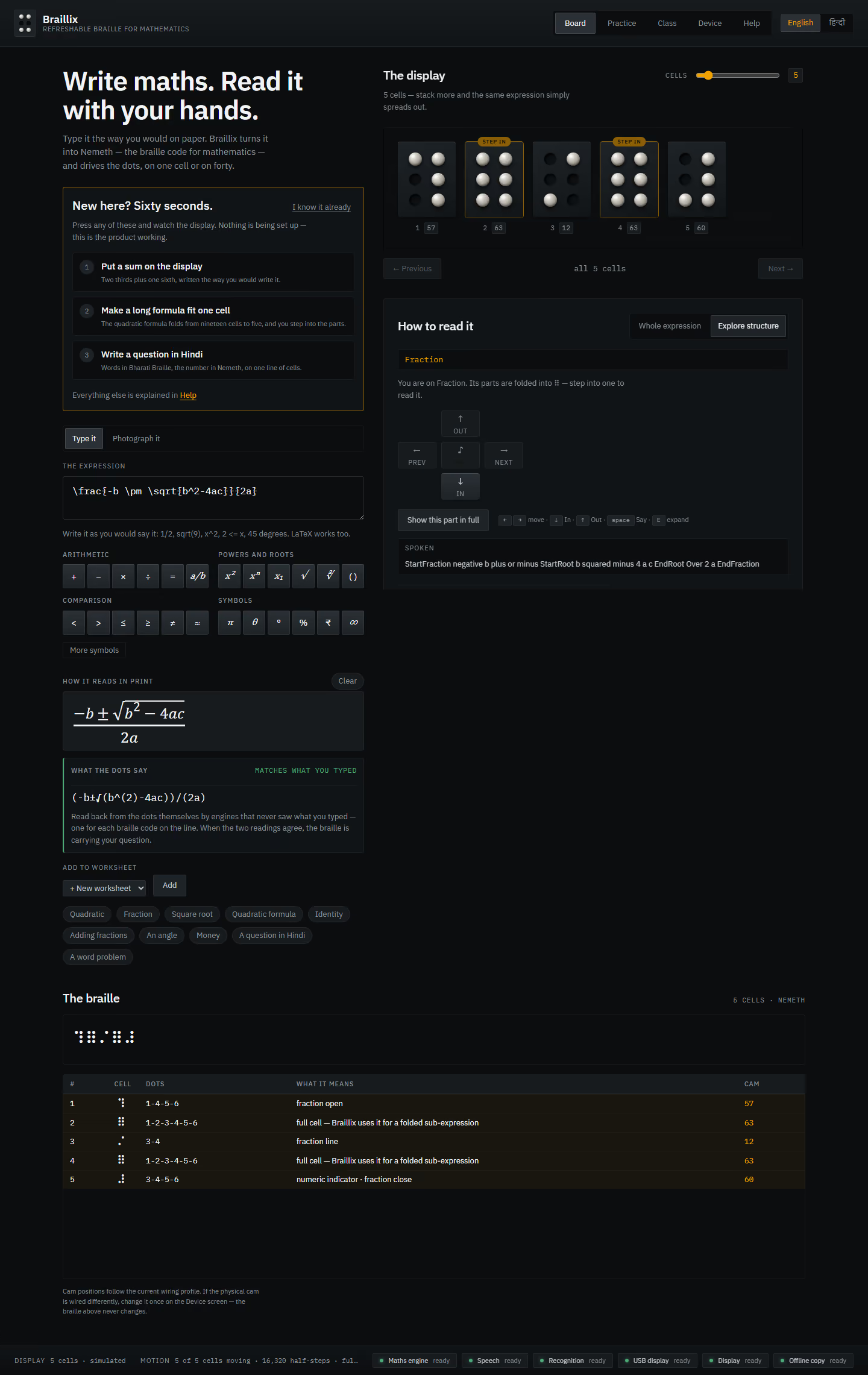
It marks its own homework backwards. A completely separate engine looks only at the dots, says what they say, and that gets held against what the teacher actually typed.
I check the braille by reading it back. A second engine, sharing no code with the one that produced the dots, reconstructs meaning from the dots alone and compares it to what the teacher wrote.
1 receipt
- readback.ts536 lines of independent Nemeth reconstruction, plus separate engines for Devanagari and English.
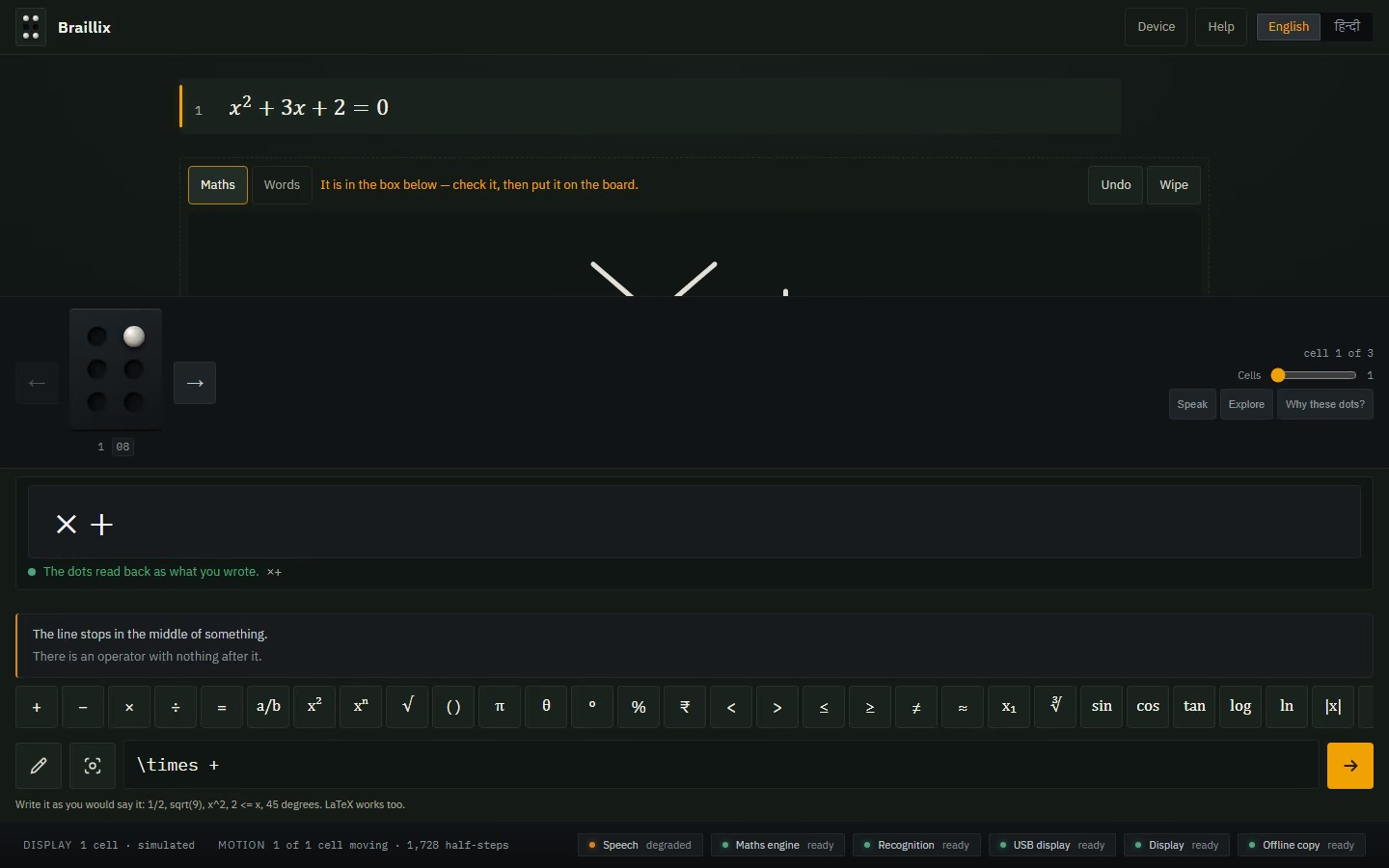
The checker is allowed to say “I don’t know”. When it meets a dot pattern it has no rule for, it says so — instead of quietly counting it as a pass.
That check has three verdicts, not two. When the reader meets a cell it has no rule for it returns "unchecked" — because collapsing that into "agrees" would turn a gap in the checker into a clean bill of health for the braille.
1 receipt
- roundtrip.tsagrees | differs | unchecked, with the reasoning in the file.
A line that came out of a photograph of a textbook cannot reach a blind student until a human has confirmed it. Not should not — cannot. The software will not build with an unconfirmed line inside it.
I made a recognised line unrepresentable in the type system without an explicit human confirmation — enforced at compile time, not at runtime.
2 receipts
- lesson.ts:21A recognised line requires a literal confirmed: true.
- lesson.test.ts:88Compile-time tests asserting the unconfirmed variant fails to type-check.
The hardware team had not decided how many braille cells the device would have, so the software is forbidden to guess. Before it ships it searches its own code for a hard-coded number — and plants one first, to prove the search actually works.
The build greps its own source and fails if any file outside two named authorities hard-codes a cell count — and it first proves the guard catches a planted offender, because a guard that can only ever pass is not a guard.
1 receipt
- invariants.test.tsTwo-sided enforcement of the "no layer knows the width" law.
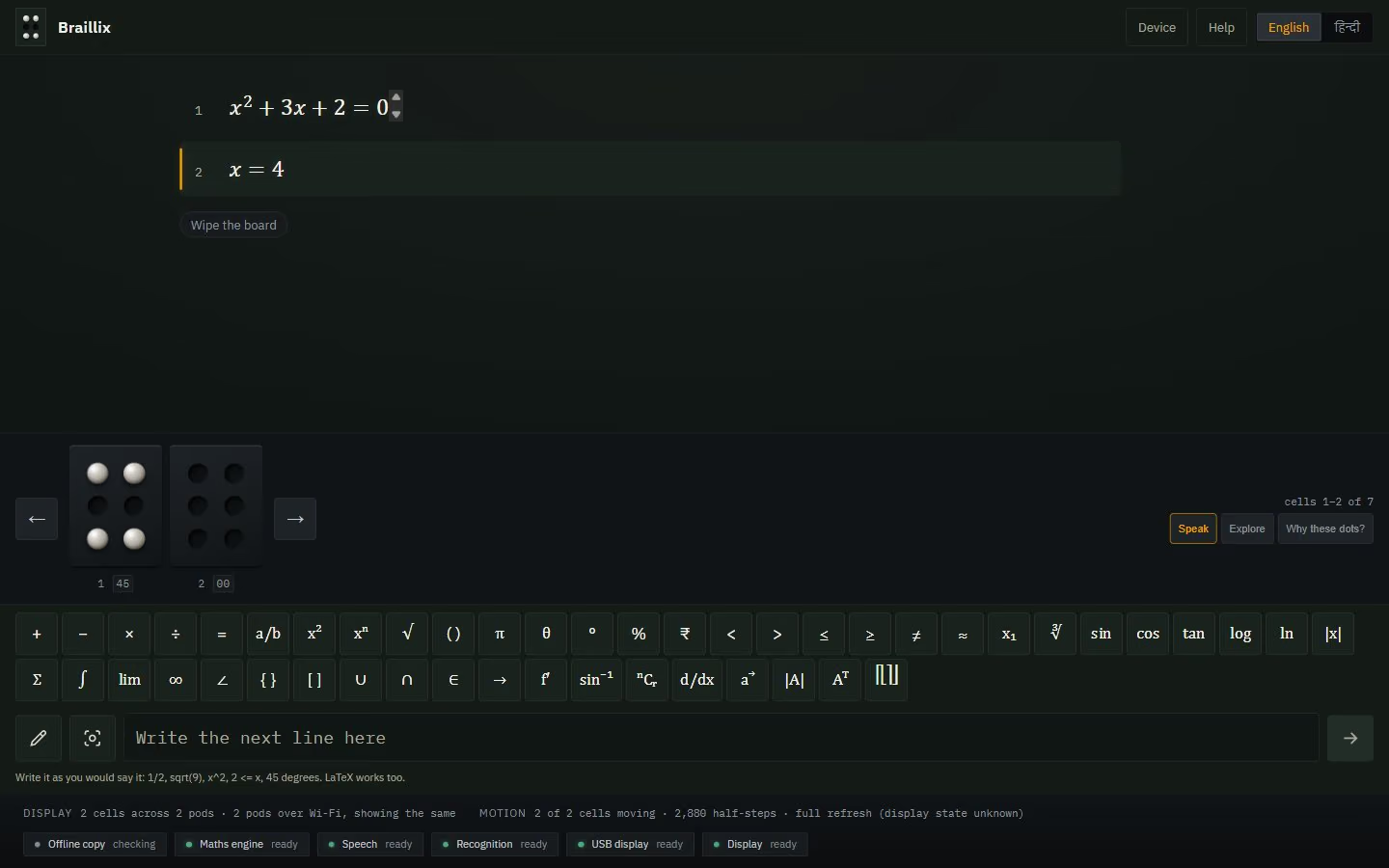
Two braille displays of different sizes, showing the same line: the bigger one blanks its spare cells rather than leaving yesterday’s dots sitting under a student’s fingers. A stale dot is a lie told in braille.
Mirroring across several displays pads a wider device’s spare cells to blank rather than leaving stale dots — because stale dots would be a lie told in braille — and a mirrored group takes the width of its smallest device, never its largest.
2 receipts
- httppod.ts:169The blank-padding rule, with the reason in the comment.
- profile.ts:96Smallest-device width enforcement.
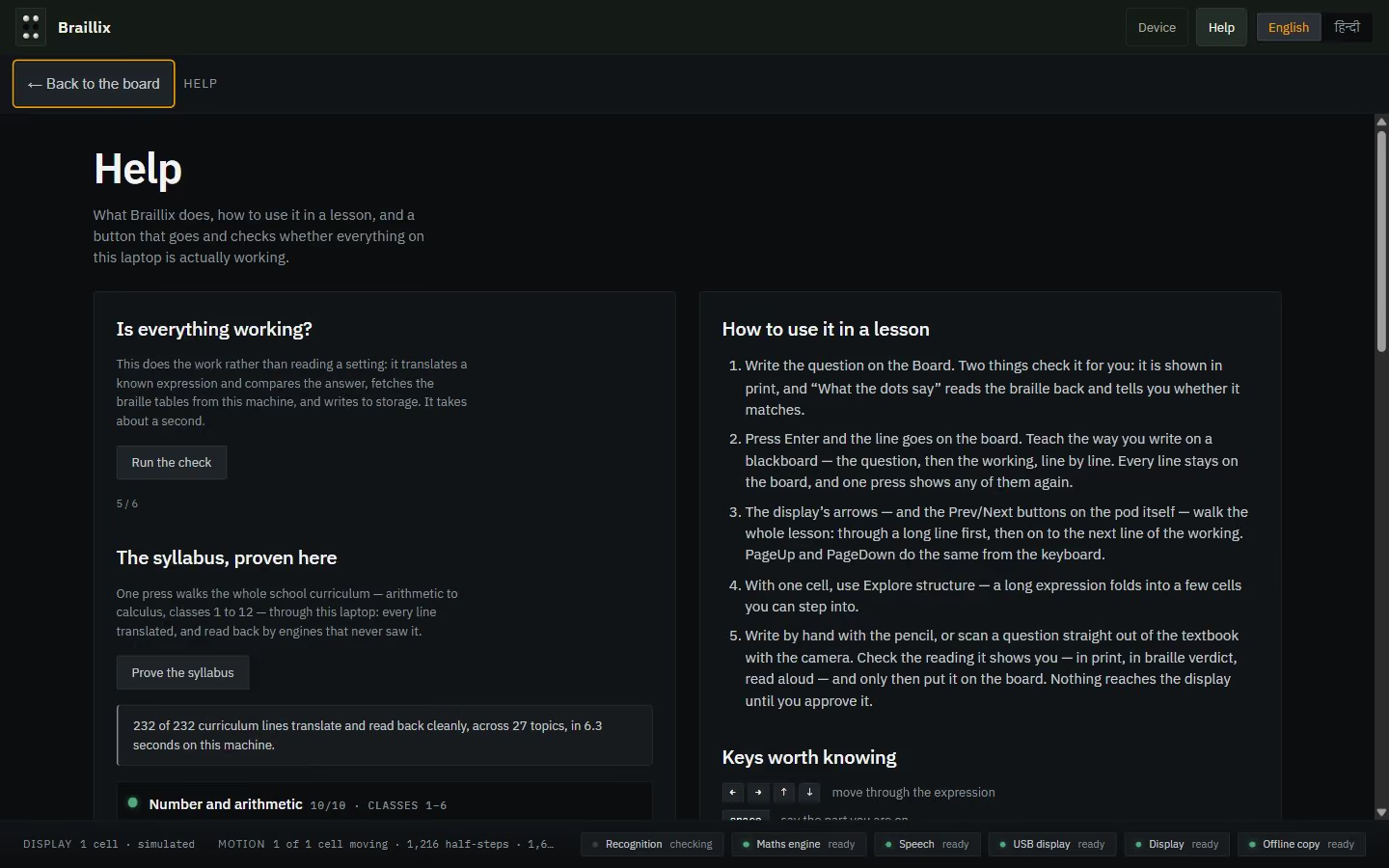
It will not ship half-offline. The build checks that all eleven pieces it needs to work with no internet are present — and then checks the live site is really handing them out.
The build refuses to ship without its offline assets, and then checks that the live site is actually serving them.
2 receipts
- assert-assets.mjs:19Eleven named assets; a missing or truncated one fails the build.
- check-deployed.mjsPost-deploy verification against production.
The numbers
receipts
- ACCURACY.mdEvery line listed; zero with anything to report.
- syllabus.tsThe 232 lines themselves, counted from source.
receipts
- store.ts:843The warming sequence and the load-race fix it required.
receipts
- screens.spec.ts:15Responsive behaviour is a test, not an intention.
receipts
- vite.config.ts:31Hand-written service worker; fonts and both recognisers self-hosted, no CDN is ever contacted.
The part most people would have skipped
One of my tests caught a bug in the expression rather than in the braille. In the sum-of-an-arithmetic-series formula, my segmenter mistook a subscripted term for an English word and left the equals sign stranded at the front of the maths, where it became a fraction numerator. Every braille cell was faithful to the expression it had been handed — the expression was already wrong.
What it can't do
- Handwritten Devanagari words genuinely do not work — the recogniser is trained on print, and no free browser-runnable model existed when this was built. The app says so rather than guessing.
- Braille is Grade 1 plus Nemeth; contractions are not implemented.
- Multi-device mirroring is verified against emulated hardware, not against two physical devices.
- Screen-reader user testing has not been done. Accessibility here is asserted structurally and by automated test only.
- Vite 8
- React 19
- TypeScript
- Zustand
- temml
- speech-rule-engine
- ONNX Runtime in a Web Worker
- Tesseract
- ESP32 / Arduino C++